Plugins and Skills
Add specialized capabilities to Nexts, and understand the difference between plugins, Skills, and connected apps.
Three ways to extend Nexts
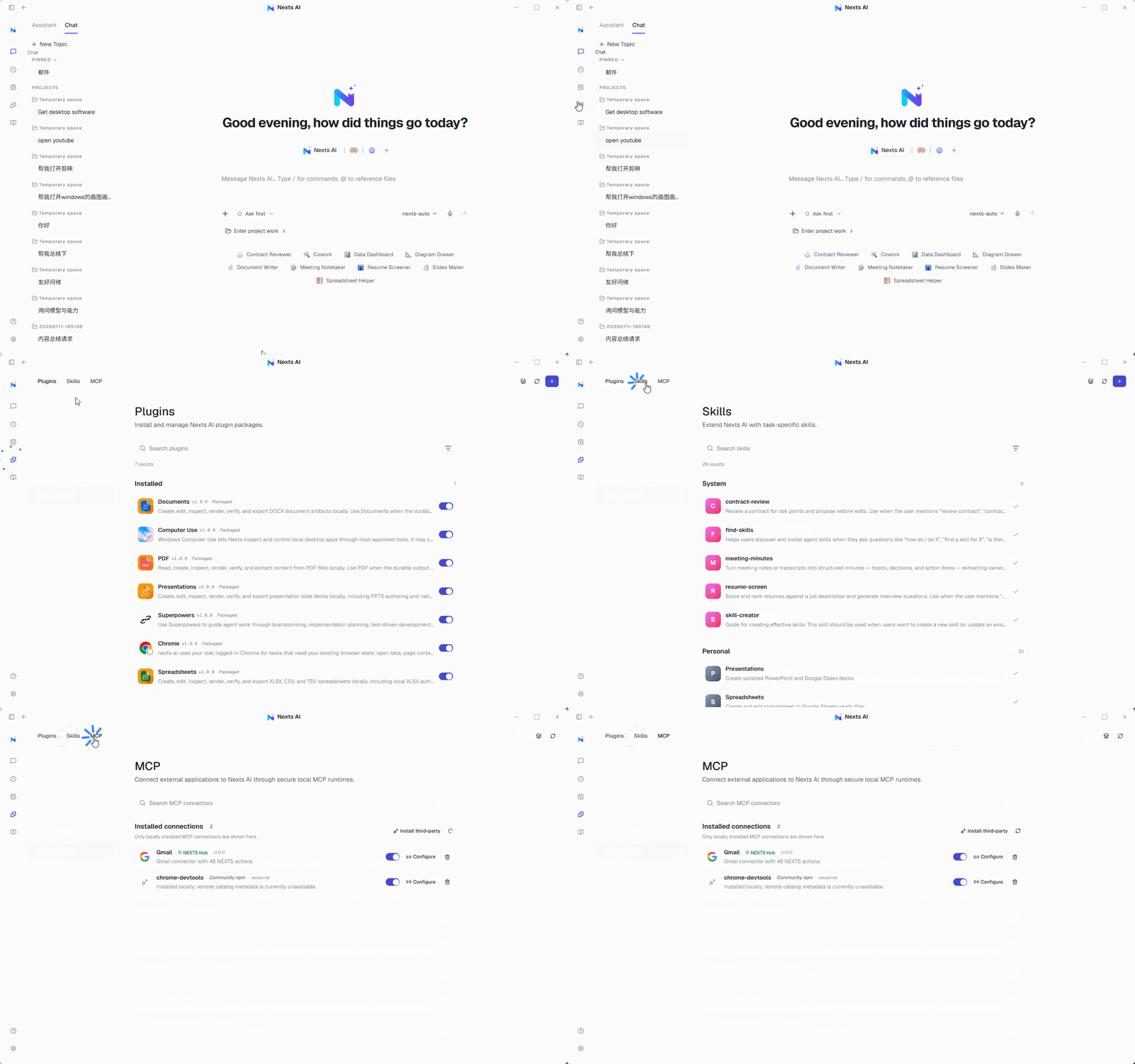
- Plugins: Add a set of UI, tool, or workflow capabilities to Nexts.
- Skills: Reusable instructions and resources that teach the AI how to complete a type of task.
- Connected apps: Let tasks read from or act on external services — email, calendars, browsers — within the scope you authorize.
A useful rule of thumb: choose a Skill when you only need a repeatable method; choose a plugin when you need a packaged method and tools; use a connected app or MCP when the task needs live data or external actions.
Browse extension directories
Skills directory
Browse reusable workflows for contract review, meeting minutes, resume screening, and more.
Plugin directory
Browse plugins for documents, spreadsheets, presentations, Chrome, and desktop control.
MCP directory
Browse Nexts Canvas, web search, and MCP installation types.
Chrome plugin tutorial
Connect your real, signed-in Google Chrome and complete a first browser task.
Before you install
Check the source, permissions, maintenance status, and the scope of data it uses. Installing third-party plugins may require the corresponding account entitlement.
Using them in a conversation
Pick a plugin or Skill from the input menu, or type / to search available commands. Enable only what the current task needs — this keeps unnecessary context and permissions to a minimum.
After installing or enabling an extension, start a new conversation before using it. Describe the outcome directly; when several capabilities could handle the same task, choose the intended plugin or Skill explicitly from the input menu.
AI usage
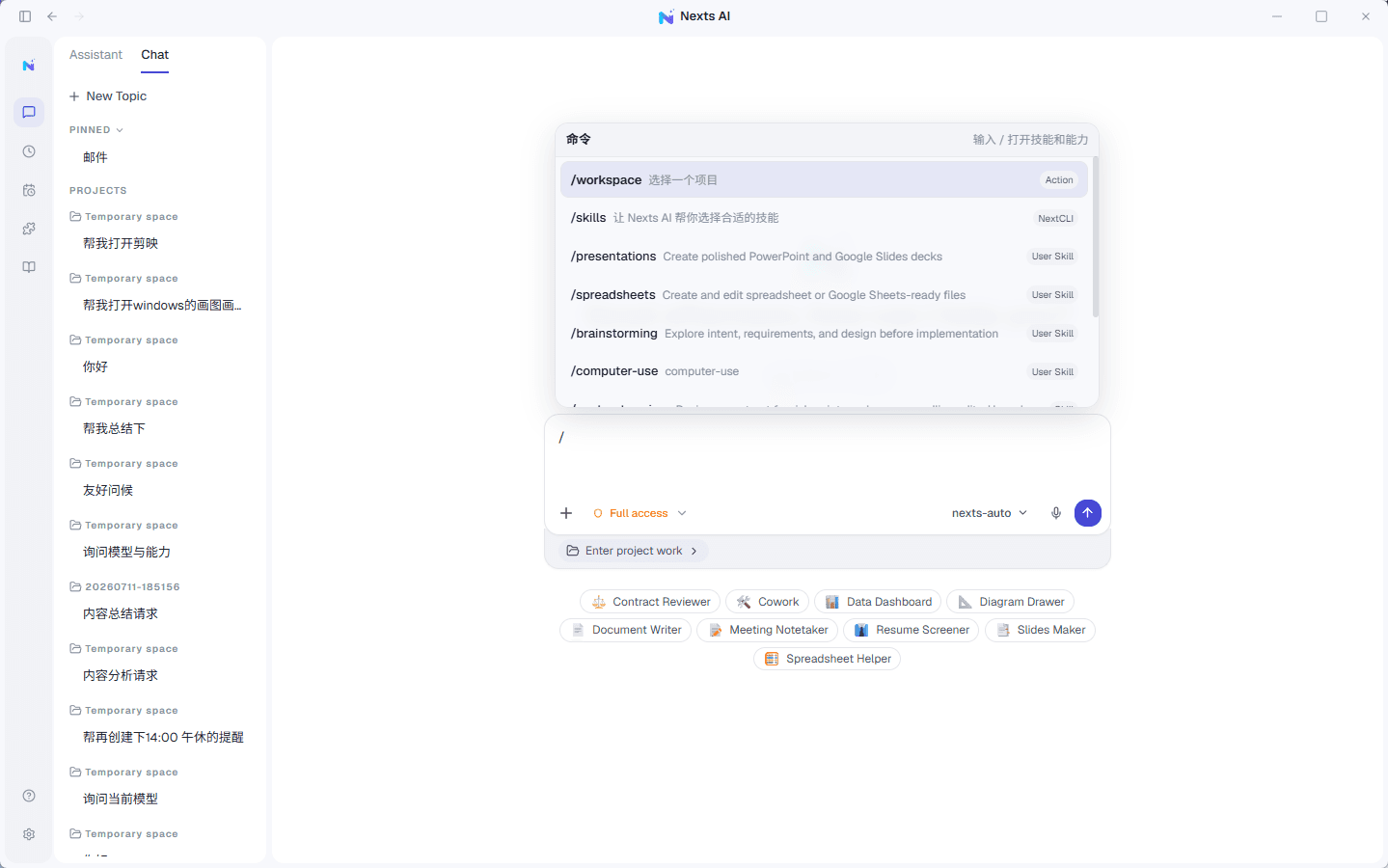
When a plugin uses a premium model, Nexts reports only usage metadata — provider, model, and token counts — to the account service. Private content processed by the plugin is never uploaded.