1. Local project data
Projects, files, chats, meetings, and tasks are stored on your device—under your control.
Local-first Windows assistant
A Windows AI assistant for files, email, meetings, and everyday work.
NextsAI helps users search local documents, organize projects, summarize information, draft content, and complete user-directed workflows from one Windows desktop application. Google account connection is optional and is used only for the Gmail features described below.
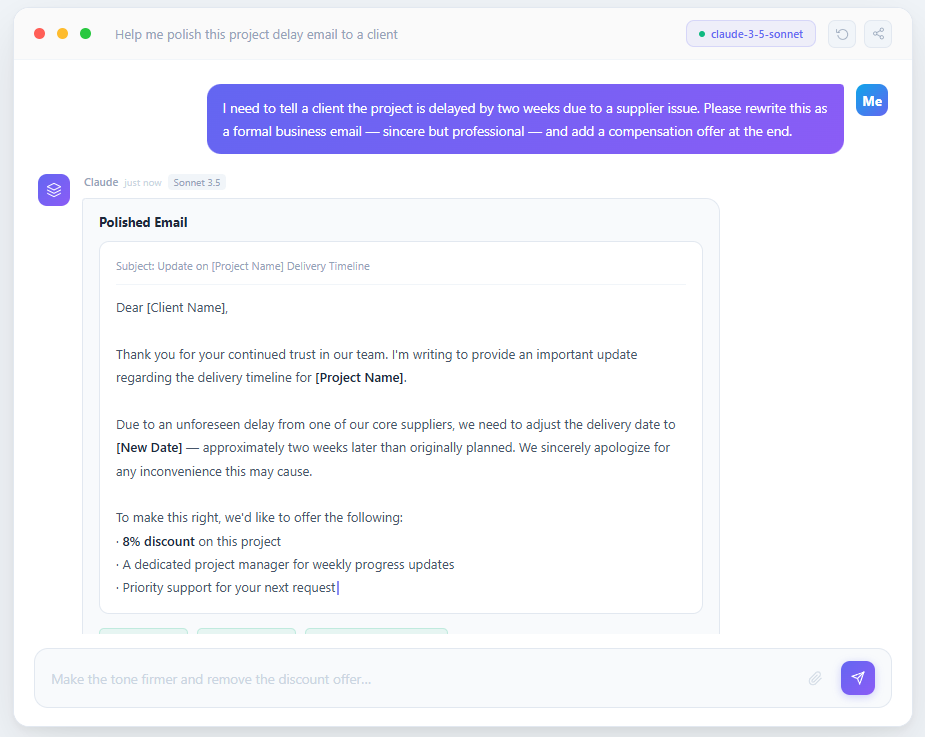
About the application
NextsAI is a productivity application for Windows. It brings AI assistance into a desktop workspace where a user can work with local files, connected services, meetings, email, and supported business tools.
The user remains in control: NextsAI acts only after a user starts a task, selects a file or service, or confirms an action. Connecting a Google account is not required for local-file, project, meeting, or model features.
When a user chooses Gmail integration, NextsAI requests only the permissions needed to search and read email for user-requested assistance, and to send email after an explicit user action or confirmation.
Built for privacy
Your work belongs to you. NextsAI keeps your projects, files, and conversations private with local storage, secure credentials, and clear permissions.
Projects, files, chats, meetings, and tasks are stored on your device—under your control.
User-provided model keys can stay in Windows secure storage. Connected-app OAuth credentials are encrypted by the account service and are not exposed on this page.
You decide which apps can connect and what they can access. Revoke access at any time.
The workspace layer
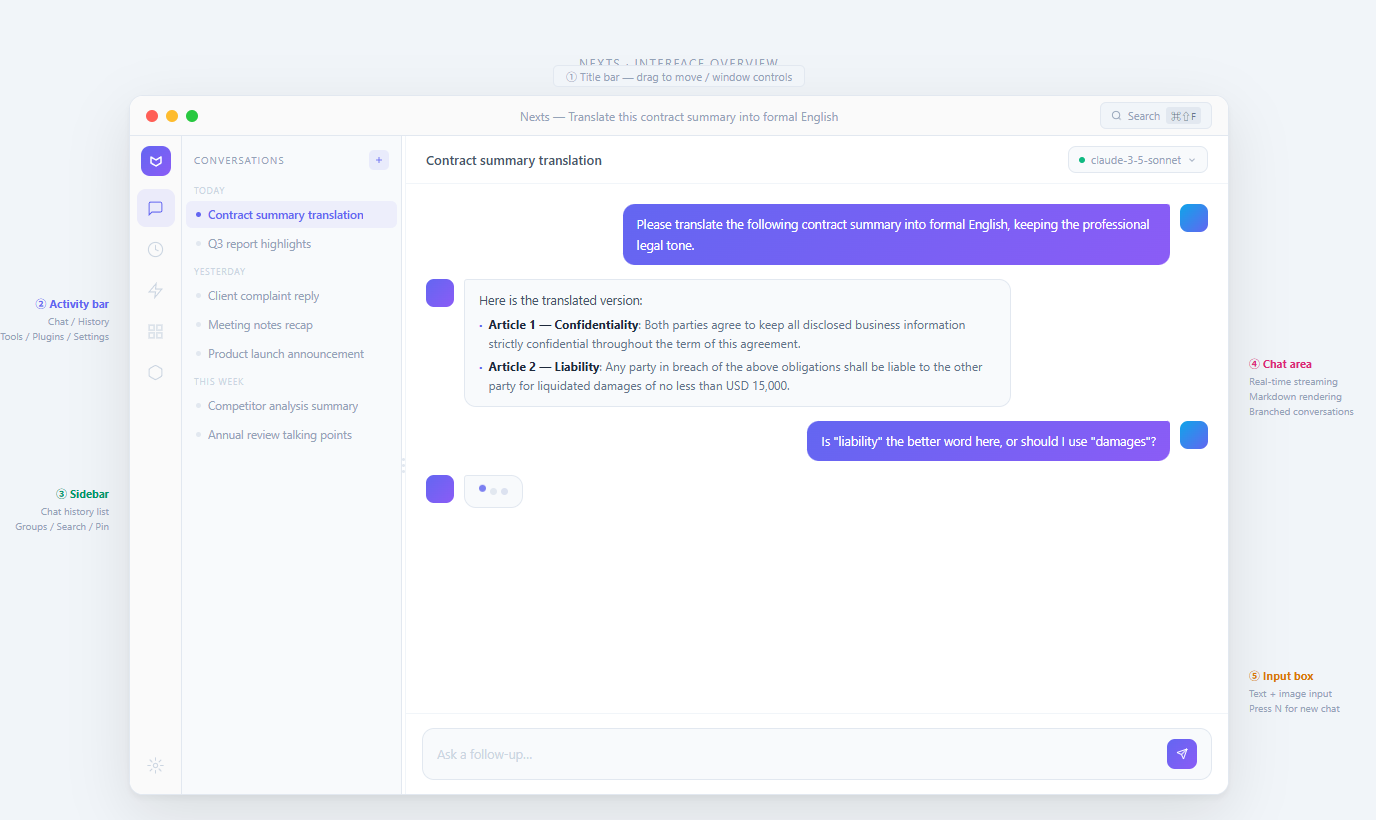
Keep context, tools, and execution together. NextsAI is the calm desktop layer between you and every model or connected app you choose.
Chat across providers, keep project context close, and move from a question to finished work without tab hopping.
Use MCP-compatible apps and plugins to bring files, services, and workflows into the same private workspace.
Turn meetings, email, local documents, and repeatable tasks into practical AI-assisted workflows.
Use cloud providers or local models. Switch by task instead of being locked into a single AI vendor.
Google access, explained
NextsAI requests Google permissions only after you select “Connect Google” in the application. Authorization is optional, is not used for advertising, and can be revoked at any time.
https://www.googleapis.com/auth/gmail.readonly
Used when you ask NextsAI to search your mailbox, open relevant messages, summarize email, extract tasks, or prepare a draft. This permission cannot send, change, or delete email.
https://www.googleapis.com/auth/gmail.send
Used only when you explicitly instruct or confirm that NextsAI should send a specific message. It does not allow NextsAI to read, modify, or delete other messages.
Google user data is not sold, used for advertising, or used to train generalized AI models.
Disconnect Google inside NextsAI or revoke access from your Google Account at any time. For account or stored authorization deletion requests, contact tech@nexts.ai.
Simple plans
$0/month
$100/month
$200/month